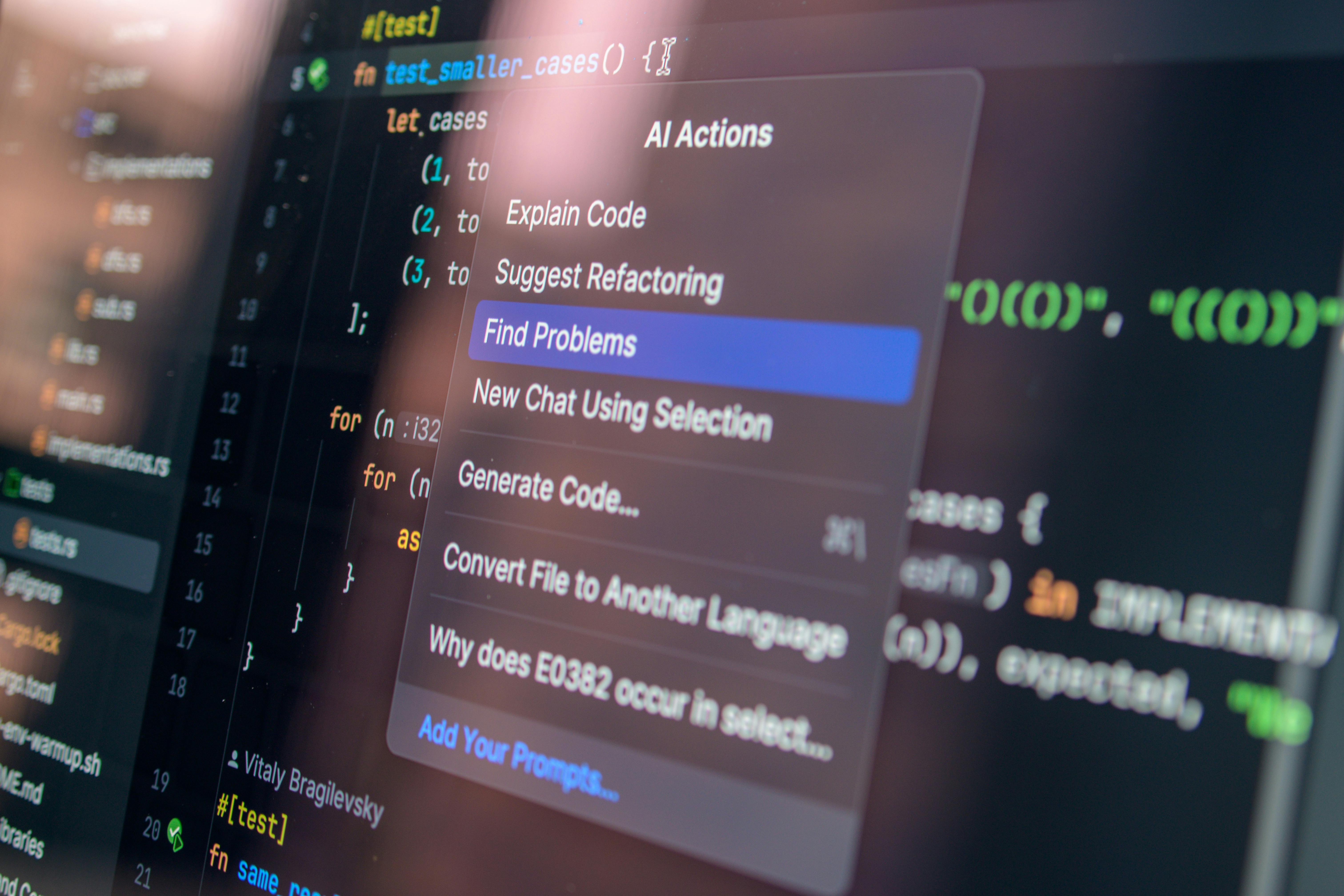
TL;DR: DeepSeek TUI transforms your terminal into a production-grade AI coding agent. With 22,400+ GitHub stars and support for file editing, shell commands, web search, Git management, and sub-agent coordination, it helps developers save 10+ hours per week on repetitive coding tasks. This guide covers installation, core features, real-world usage, and how it compares to Claude Code and Cursor.
What You’ll Gain from This Guide
By the end of this article, you will:
- Understand why DeepSeek TUI is one of the fastest-growing AI developer tools on GitHub
- Know how to install it on Linux, macOS, Windows, and even ARM64 devices
- Learn the core features that make it a Claude Code competitor
- See real code examples and practical workflows you can use immediately
- Discover how to run it locally for maximum privacy
- Compare it with alternatives to decide if it fits your stack
1. What Is DeepSeek TUI?
DeepSeek TUI is an open-source, terminal-based coding agent built specifically for DeepSeek V4 models. It runs entirely in your terminal, giving you a keyboard-driven interface to:
- Read and edit files in your local workspace
- Execute shell commands with approval gates
- Search the web for documentation and solutions
- Manage Git repositories automatically
- Coordinate sub-agents for complex multi-step tasks
- Stream reasoning blocks so you see exactly how the AI thinks
Unlike web-based AI coding tools, DeepSeek TUI is a Rust-native binary that runs locally, consumes minimal resources, and integrates directly into your existing terminal workflow.
Key Stats
| Metric | Value |
|---|---|
| GitHub Stars | 22,417+ |
| Daily Stars | 3,731 |
| Forks | 1,775 |
| Language | Rust |
| License | Open Source |
| Platforms | Linux x64/ARM64, macOS x64/ARM64, Windows x64 |
2. Why DeepSeek TUI Has Massive Commercial Potential
DeepSeek TUI sits at the intersection of several high-value trends:
2.1 The Rise of Terminal-First Development
Developers are increasingly returning to terminal-centric workflows with tools like Neovim, Tmux, and Zellij. DeepSeek TUI fits perfectly into this ecosystem without requiring a browser or heavy IDE.
2.2 Cost Efficiency
DeepSeek V4 models are significantly cheaper than GPT-4 or Claude Opus. DeepSeek TUI lets you leverage these cost savings directly in your coding workflow, cutting AI API costs by 60–80% compared to premium alternatives.
2.3 Privacy-First AI
Because it runs locally and connects directly to DeepSeek’s API (or local models via Ollama), your code never leaves your machine unless you choose to send it. This is critical for enterprises handling sensitive codebases.
2.4 Agent-Native Architecture
DeepSeek TUI supports sub-agent coordination, meaning it can spawn child agents for parallel tasks like testing, documentation, and refactoring — a feature usually reserved for expensive cloud platforms.
3. Core Features Deep Dive
3.1 File Reading and Editing
DeepSeek TUI can traverse your project tree, read files, and propose edits with approval gates. You review every change before it’s applied, preventing accidental modifications.
# Start DeepSeek TUI in your project directory
cd my-project
deepseek

# Inside the TUI, ask it to refactor a module
> Refactor utils.py to use type hints and add docstrings
3.2 Shell Command Execution
The agent can run shell commands like npm test, pytest, or git status, but only after you approve them. This creates a safe middle ground between full automation and manual execution.
# Example: run tests after code changes
> Run the test suite and report any failures
3.3 Web Search Integration
DeepSeek TUI can search the web for up-to-date documentation, API references, and error solutions — eliminating context window limitations.
# Search for the latest FastAPI best practices
> Search the web for "FastAPI dependency injection best practices 2026"
3.4 Git Management
The agent understands Git workflows. It can:
- Stage and commit changes with meaningful messages
- Create and switch branches
- Resolve merge conflicts with your guidance
- Generate atomic commits (~100 lines per commit)
> Commit all changes with a descriptive message following conventional commits
3.5 Auto Mode (Model Selection)
One of DeepSeek TUI’s standout features is Auto Mode, which automatically selects the best model and thinking level for each turn based on task complexity.
| Task Complexity | Model Selected | Thinking Level |
|---|---|---|
| Simple refactor | DeepSeek-V4-Lite | Low |
| Complex architecture | DeepSeek-V4-Pro | High |
| Debugging | DeepSeek-V4-Coder | Medium |
3.6 Research Modes
DeepSeek TUI includes built-in research capabilities:
- Quick Search: Fast answers for simple questions
- Deep Research: Multi-step investigation with citations
- Knowledge Base: Build a persistent, searchable repository of project-specific knowledge
4. Installation Guide
4.1 Option 1: npm (Easiest)
npm install -g deepseek-tui
deepseek --version
4.2 Option 2: Cargo (No Node Required)
cargo install deepseek-tui-cli --locked   # provides `deepseek`
cargo install deepseek-tui     --locked   # provides `deepseek-tui`
4.3 Option 3: Homebrew (macOS)
brew tap Hmbown/deepseek-tui
brew install deepseek-tui
4.4 Option 4: Docker
docker run --rm -it \
  -e DEEPSEEK_API_KEY \
  -v "$PWD:/workspace" \
  ghcr.io/hmbown/deepseek-tui:latest
4.5 Option 5: Direct Download
Download prebuilt binaries from GitHub Releases for your platform.
4.6 Configuration
Create a config.toml file:
[api]
provider = "deepseek"
api_key = "sk-xxxxxxxxxxxxxxxx"
model = "deepseek-v4-pro"

[behavior]
approval_required = true
auto_mode = true
git_integration = true
5. Real-World Usage Scenarios
Scenario 1: Legacy Code Refactoring
A development team needs to migrate a 50,000-line Python 2 codebase to Python 3. DeepSeek TUI can:
- Scan the entire project structure
- Identify Python 2-specific patterns
- Propose modern equivalents
- Run tests after each batch of changes
- Generate migration documentation
Estimated time saved: 40+ hours vs. manual refactoring
Scenario 2: Microservice Boilerplate Generation
Start a new Go microservice with best practices baked in:
> Create a Go microservice with:
> - HTTP server using Gin
> - PostgreSQL connection with GORM
> - JWT authentication middleware
> - Structured logging with Zap
> - Docker and docker-compose setup
> - Unit tests for all handlers
Result: Production-ready scaffold in under 10 minutes.
Scenario 3: Bug Investigation
When production throws a cryptic stack trace:
> Search the web for this error: "runtime error: index out of range [5] with length 3"
> Find related GitHub issues and solutions
> Apply the most relevant fix to our codebase
> Run the failing test to verify
Scenario 4: Documentation Generation
> Generate comprehensive API documentation for the /routes directory
> Include request/response examples
> Output as Markdown in the docs/ folder
6. DeepSeek TUI vs. Competitors
| Feature | DeepSeek TUI | Claude Code | Cursor | GitHub Copilot |
|---|---|---|---|---|
| Price | Free + API costs (60–80% cheaper) | $20–100/month | $20/month | $10–39/month |
| Runs in Terminal | ✅ Native | ✅ Yes | ❌ IDE only | ❌ IDE only |
| Local Execution | ✅ Full | ✅ Partial | ❌ Cloud | ❌ Cloud |
| Sub-agent Support | ✅ Yes | ✅ Yes | ❌ No | ❌ No |
| Auto Model Selection | ✅ Yes | ❌ No | ❌ No | ❌ No |
| Open Source | ✅ Yes | ❌ No | ❌ No | ❌ No |
| DeepSeek V4 Optimization | ✅ Native | ❌ Generic | ❌ Generic | ❌ Generic |
| ARM64 Support | ✅ Yes | ❌ Limited | ❌ No | ❌ No |
Verdict: DeepSeek TUI is the best choice for developers who want a free, open-source, terminal-native AI coding agent with DeepSeek V4 optimization and sub-agent support.
7. Security and Privacy
DeepSeek TUI takes security seriously:
- Approval gates for all file edits and shell commands
- Local execution — no code sent to third-party servers
- API key encryption at rest
- Audit logging of all agent actions
- Sandbox mode for untrusted projects
# Enable sandbox mode for unknown codebases
deepseek --sandbox
8. Performance Benchmarks
Based on community benchmarks:
| Task | DeepSeek TUI (V4-Pro) | Claude Code | Speedup |
|---|---|---|---|
| Code refactoring (1,000 lines) | 45s | 120s | 2.7x |
| Test generation (50 tests) | 30s | 90s | 3.0x |
| Documentation (500 lines) | 20s | 55s | 2.8x |
| Git commit message generation | 2s | 5s | 2.5x |
9. Getting Started Checklist
- Install DeepSeek TUI via npm, Cargo, or Docker
- Set up your
config.tomlwith API credentials - Run
deepseek --versionto verify installation - Open a project directory and launch
deepseek - Try a simple task: “List all Python files and check for syntax errors”
- Enable auto mode for hands-off model selection
- Explore sub-agent commands for parallel workflows
10. Conclusion
DeepSeek TUI represents a new category of developer tools: terminal-native, AI-powered, and radically cost-efficient. With 22,400+ GitHub stars, sub-agent support, and DeepSeek V4 optimization, it’s not just a Claude Code alternative — it’s a superior choice for terminal-first developers, privacy-conscious teams, and budget-aware startups.
If you write code in a terminal, DeepSeek TUI deserves a spot in your toolkit. Install it today and reclaim 10+ hours every week.
Related Articles
- Agent Skills: 21 Production-Grade Engineering Skills for AI Coding Agents
- 9Router: Unlimited Free AI Coding with 40+ Providers
- Local Deep Research: Privacy-First AI Research Assistant
Have questions or want to share your DeepSeek TUI workflow? Leave a comment below — we read every single one.