screenpipe: Local 24/7 Screen Recording That Feeds Your AI Agents (Source-Available, Not Open Source)
screenpipe records your screen and audio locally and exposes it to AI agents via MCP and a REST API. Important distinction from most tools on dibi8 — it is source-available with a commercial license, not open source.
- ⭐ 20595
- Rust
- Screenpipe Commercial License
- Updated 2026-07-29
Orca: The ADE for Running Claude Code, Codex, and Cursor in Parallel • nanobot: HKU’s Ultra-Lightweight Self-Hosted Personal AI Agent
A note before anything else: dibi8 mostly covers open-source tools. screenpipe is source-available, not open source — free to inspect and run for personal/non-commercial use, but commercial use requires a paid subscription. Details below and in the FAQ, so you know exactly what you’re getting into.
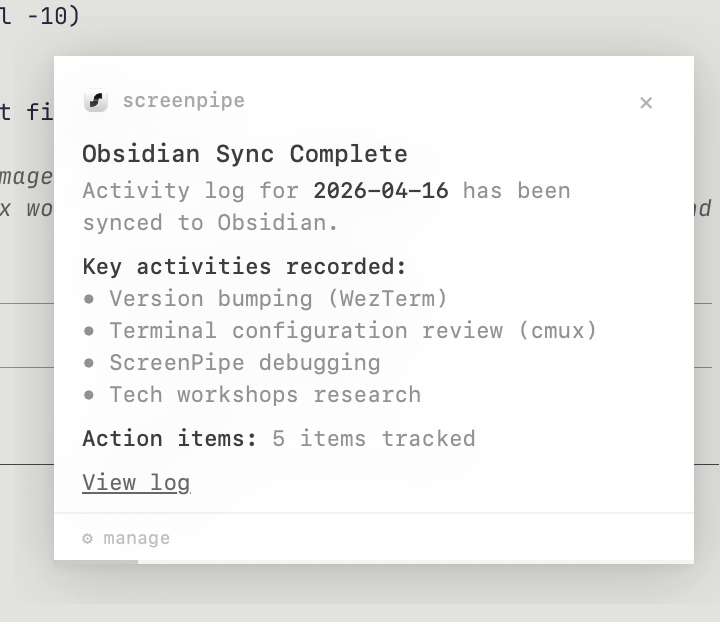
What Is screenpipe? #
screenpipe turns continuous screen and audio recording into a queryable, local memory layer that AI agents can act on. First pushed to GitHub in June 2024 (older than most tools in this roundup — it’s had two years to mature, not months) and backed by Y Combinator (S26 batch), it reached 20,600+ GitHub stars by late July 2026.
🔗 GitHub: https://github.com/screenpipe/screenpipe 🌐 Homepage: https://screenpi.pe
The pitch: instead of an AI agent only knowing what you type into it, it can query everything you’ve actually seen and done on your machine — with the data staying local by default.
Licensing — Read This Before Installing #
In June 2026 the project moved from a fully open license to the Screenpipe Commercial License:
- Free: personal use, non-commercial use, non-profit/educational/research use, and evaluation for up to 7 days at any organization size
- Paid: any commercial/business/revenue-generating use requires a subscription
- Official desktop builds are governed by separate Terms of Service and subscription terms, not the source license itself
Pricing as published by the project:
| Tier | Price | Includes |
|---|---|---|
| Standard | $25/month | Local-first capture, search, timeline on your device |
| Pro | $50/seat/month | Standard + cloud sync, cloud AI, integrations |
| Enterprise | $150/seat/month | Managed deployment, central config, shared Pipes, per-pipe AI data permissions, SSO/SAML, MDM |
The source itself remains auditable on GitHub either way — you can read exactly what it does even if you’re not paying for the official app.
Event-Driven Capture, Not Constant Screenshots #
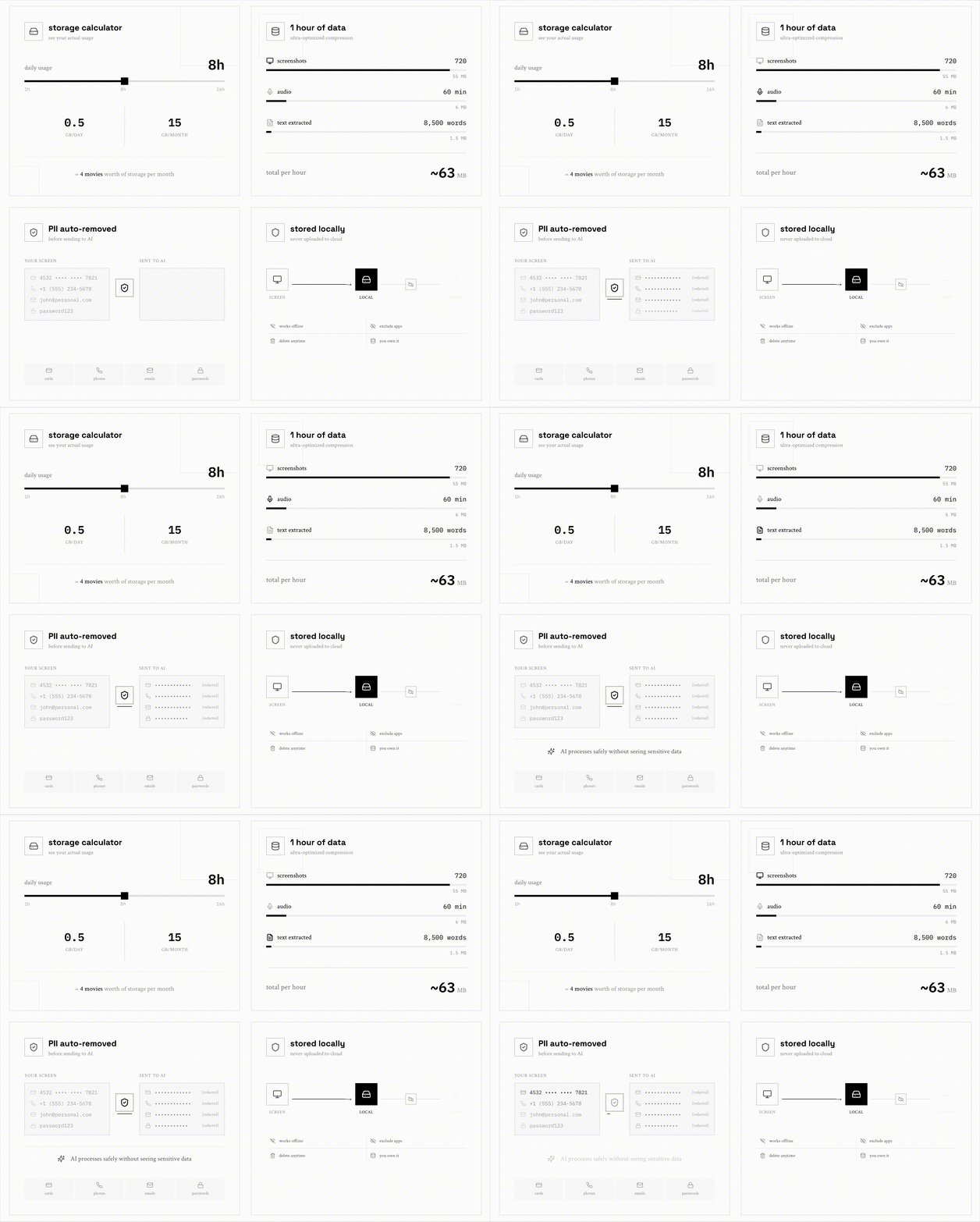
Instead of recording every second, screenpipe listens for meaningful events — app switches, clicks, typing pauses, scrolling — and only captures when something actually changes, pairing each screenshot with the OS accessibility tree (falling back to OCR when accessibility data isn’t available, e.g. remote desktops or games). The project states this keeps CPU and storage low compared to constant frame capture.
Core Features #
| Feature | Description |
|---|---|
| Accessibility-first capture | Structured on-screen text via the OS accessibility tree, OCR fallback |
| Audio transcription | Local Whisper (Large-V3-Turbo) or cloud Deepgram, with speaker diarization |
| AI-powered search | Natural language search across screen text, OCR, and transcripts; SQLite FTS5 underneath |
| Timeline view | Scroll through your day like a DVR; click any moment to see the screenshot and playback audio |
| Pipes (plugin system) | Scheduled AI agents defined as markdown files with a prompt + schedule — e.g. meeting-summary, day-recap, standup-update |
| Pipe data permissions | YAML-declared app/content/time restrictions, enforced at three layers, not prompt-based |
| MCP server | Zero-config integration with Claude Desktop, Cursor, VS Code (Cline/Continue) |
| Developer API | Full local REST API on port 3030, plus a JS/TS SDK |
Install #
Desktop app (all features, auto-updates, subscription-gated per above):
Download from screenpi.pe/onboarding
CLI (source-available, run locally):
npx screenpipe record
MCP setup for Claude:
claude mcp add screenpipe -- npx -y screenpipe-mcp@latest
Then just ask: “what did I see in the last 5 mins?” or “summarize today’s conversations.”
Privacy Model #
- Local by default — SQLite database on your own device, nothing sent externally unless you opt into sync
- Local AI supported — Ollama or any local model, no cloud dependency required
- No account required for the core CLI/local functionality
- Deterministic AI data permissions — Pipe-level access control enforced at the OS/server layer, not left to an LLM’s judgment
How It Compares (Per the Project) #
| Feature | screenpipe | Rewind/Limitless | Microsoft Recall | Granola |
|---|---|---|---|---|
| Source-available | ✅ | ❌ | ❌ | ❌ |
| Platforms | macOS, Windows, Linux | macOS, Windows | Windows only | macOS only |
| Data storage | 100% local | Cloud required | Local (Windows) | Cloud |
| Multi-monitor | ✅ all monitors | ❌ active window only | ✅ | ❌ meetings only |
| Developer API | ✅ full REST + SDK | Limited | ❌ | ❌ |
| Plugin system | ✅ Pipes | ❌ | ❌ | ❌ |
This is screenpipe’s own comparison table — worth verifying independently if choosing between these specifically.
Use Cases #
1. “What Did I Actually Do Today?” #
Ask an MCP-connected agent to summarize today’s work, meetings, or a specific app’s usage, without manually reviewing screen recordings yourself.
2. Meeting Notes That Write Themselves #
The built-in meeting-summary Pipe summarizes a call as soon as it ends and patches the summary back into your notes.
3. Feeding Long-Term Context to a Personal Agent #
Pair screenpipe’s local screen/audio history with an agent like nanobot so it has real context about your actual work, not just what you typed into a chat box.
4. Auditable Team Deployments #
The Enterprise tier’s per-pipe, deterministic data-access controls target teams that need to prove what an AI agent could and couldn’t see — relevant for compliance-conscious environments.
Related Repositories #
| Repository | Purpose |
|---|---|
| nanobot | A personal agent framework screenpipe’s MCP server could feed context into |
| Claude Code | One of the MCP clients that can query screenpipe directly |
Related Articles #
- nanobot: HKU’s Ultra-Lightweight Self-Hosted Personal AI Agent — a personal agent framework that could consume screenpipe’s context via MCP
- Orca: The ADE for Running Claude Code, Codex, and Cursor in Parallel — a different piece of personal AI infrastructure
Conclusion #
screenpipe is a mature (two years old, not months), well-engineered take on giving AI agents real context about what you’ve actually done on your machine — local-first, MCP-native, with deterministic data-access controls for Pipes. The catch, and the reason this write-up leads with it twice: it’s source-available under a commercial license, not open source, so commercial use means a subscription, unlike everything else covered in this batch.
Best for: Individuals evaluating a local-first “memory layer” for personal AI agents, or teams who’ve confirmed the subscription pricing works for them and specifically want deterministic, auditable control over what AI agents can access from screen/audio history.
GitHub: https://github.com/screenpipe/screenpipe
Recommended Infrastructure for Self-Hosting #
screenpipe itself runs locally, but if you’re pairing it with agents that need a persistent remote endpoint:
- DigitalOcean — $200 free credit for 60 days across 14+ global regions.
- HTStack — Hong Kong VPS with low-latency access from mainland China. This is the same IDC that hosts dibi8.com.
Affiliate links — they don’t cost you extra and they help keep dibi8.com running.
Last updated: 2026-07-29
💬 Discussion